![logo_ezt_white.png]](https://support.eezytrace.com/hs-fs/hubfs/logo_ezt_white.png?height=40&name=logo_ezt_white.png)
Eezytrace messages
Error messages may appear while using Eezytrace. They can be caused by a technical problem or by the configuration.
1- Synchro not needed → Synchronization error
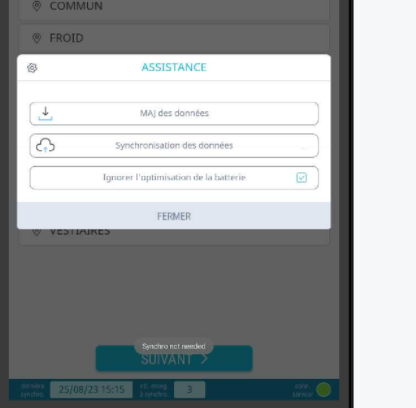
Here, the message “Synchro not needed” appears during synchronization although records are pending. This is a technical problem: please contact support.
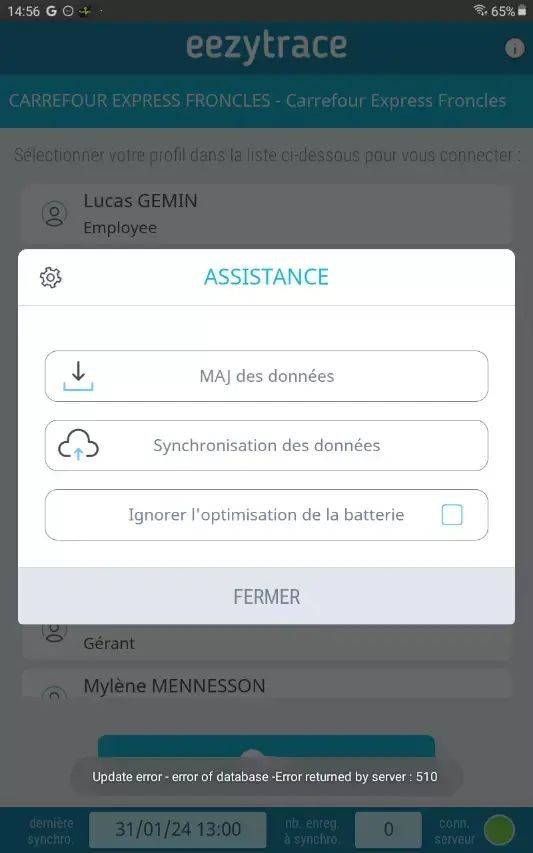
Above, an error message during the data update. Contact support so they can resend the update file remotely, then try the data update again. If it still does not work, support will forward your request to the technical team.
2- “Tablet deactivated” message
If the message “This tablet is deactivated, please stop using it” appears, your tablet has been deactivated after a replacement or a cancellation. You can no longer use Eezytrace and synchronization no longer works. If you did not request this, please contact support.
3- Time change message
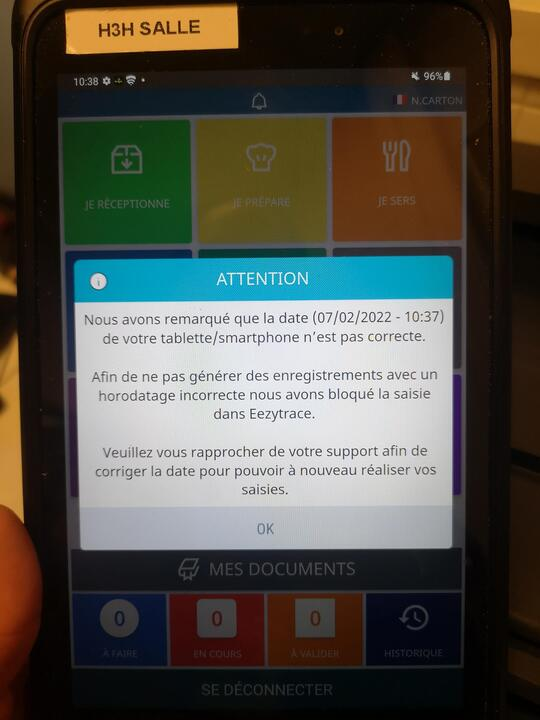
This message means that your tablet does not have the right date and/or time. It blocks the app so that records are not saved with the wrong date or time. First check your Internet connection and reconnect the tablet to a network if needed. If the tablet is connected, contact support to set the correct date and time.
4- Technical error codes
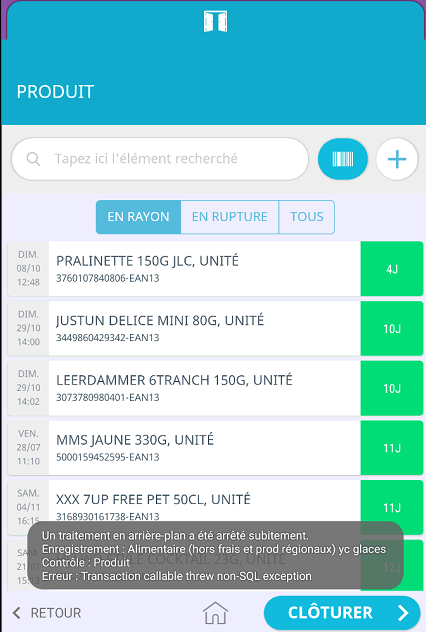
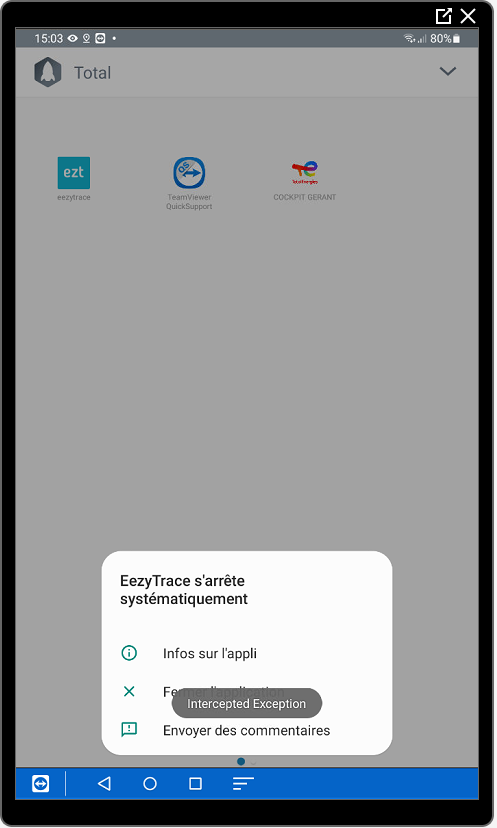
Various error codes can appear when the app crashes, during the app setup or while recording. If one of these messages appears, please contact support.
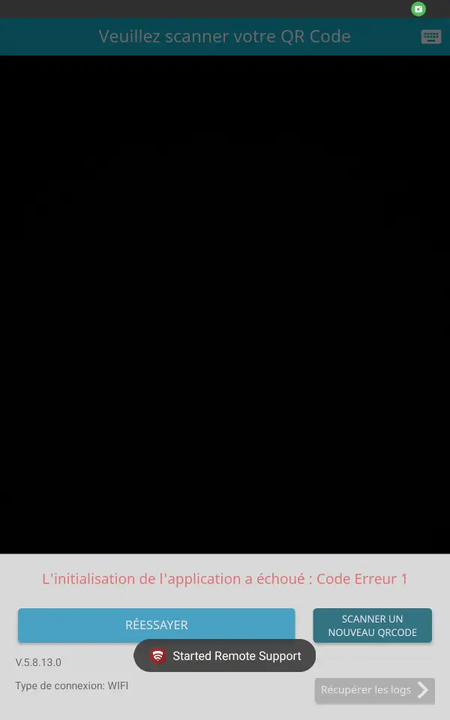
Example: error code 1 during setup
Example: error message while processing self-service products
Example: “Intercepted Exception” message when the app crashes
Tablet / Android messages
If a message of this type appears, please contact support. It is an Android bug that can be fixed by updating the tablet’s Android version. This message is not related to the Eezytrace app.
SureLock / SureMDM messages
These messages only concern tablets with SureMDM, our remote management tool. They can be caused by an expired licence or by trying to use a function blocked by SureLock.
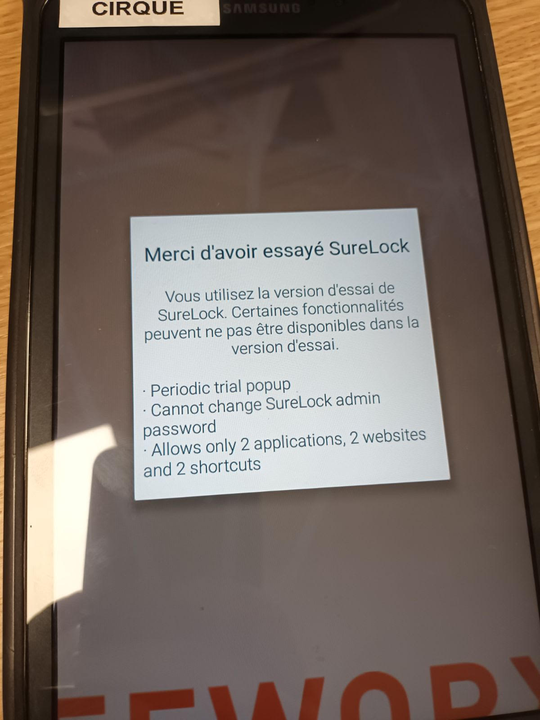
Example: message about the SureLock licence
If you see this message, please contact support: your SureLock configuration needs to be restarted.
Example: “SureLock blocked” message
This message appears when you try to use a blocked function, such as the notification panel. The tablet is locked to Eezytrace only, so you cannot access its settings. This message is normal.